New Features
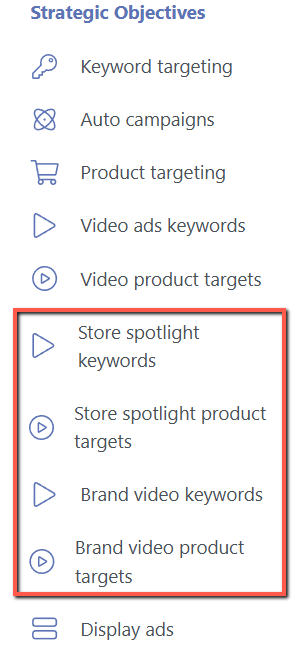
1. Strategic Objectives: Enabled Support for Store Spotlight and Brand Video Ads
You can now assign Strategic Objectives to Store Spotlight Keywords, Store Spotlight Product Targets, Brand Video Keywords, and Brand Video Product Targets campaigns.
This enhancement extends Strategic Objectives support to more Sponsored Brands campaign types, helping you manage and optimize a wider range of campaigns.
Navigation: Automation > Strategic Objectives
2. Bidding Rule: Added Ad Group-level Target ACOS Assignment
We’ve added Target ACOS assignments at the ad group level for the Bidding rule.
Previously, Target ACOS was applied at the rule level.
With this update, you can now set individual Target ACOS values directly on the sponsored ad page without editing a bidding rule.
Navigation: Automation > Bidding Rule
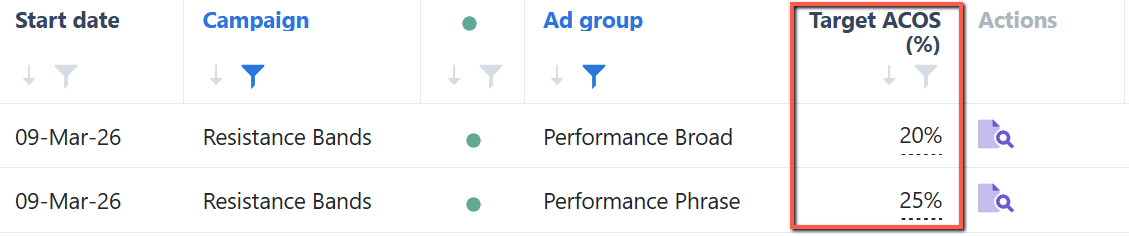
Select the bidding rule's "Target ACOS % based on the Ad Group" option to use the Target ACOS defined at the ad group level for bid adjustments.
This feature gives you more granular control and improves optimization accuracy across your campaigns.
.png)
3. Ads Insights: Added Rank Tracking to Search Terms Page
You can now easily enable or disable rank tracking for Sponsored Products search terms directly from the Ads Insights' Search Terms page.
For tracked items with available data, the page will show the Organic Rank 7-Day Average.
The tracked keyword count updates automatically when tracking is toggled, and you’ll be notified if you reach the limit.
Click “Open Rank Tracker” to go directly to the Keyword Ranking page.
Navigation: Ads Insights > Search Terms
.png)
Note: Rank tracking is not supported for non–Sponsored Products search terms.
Enhancements
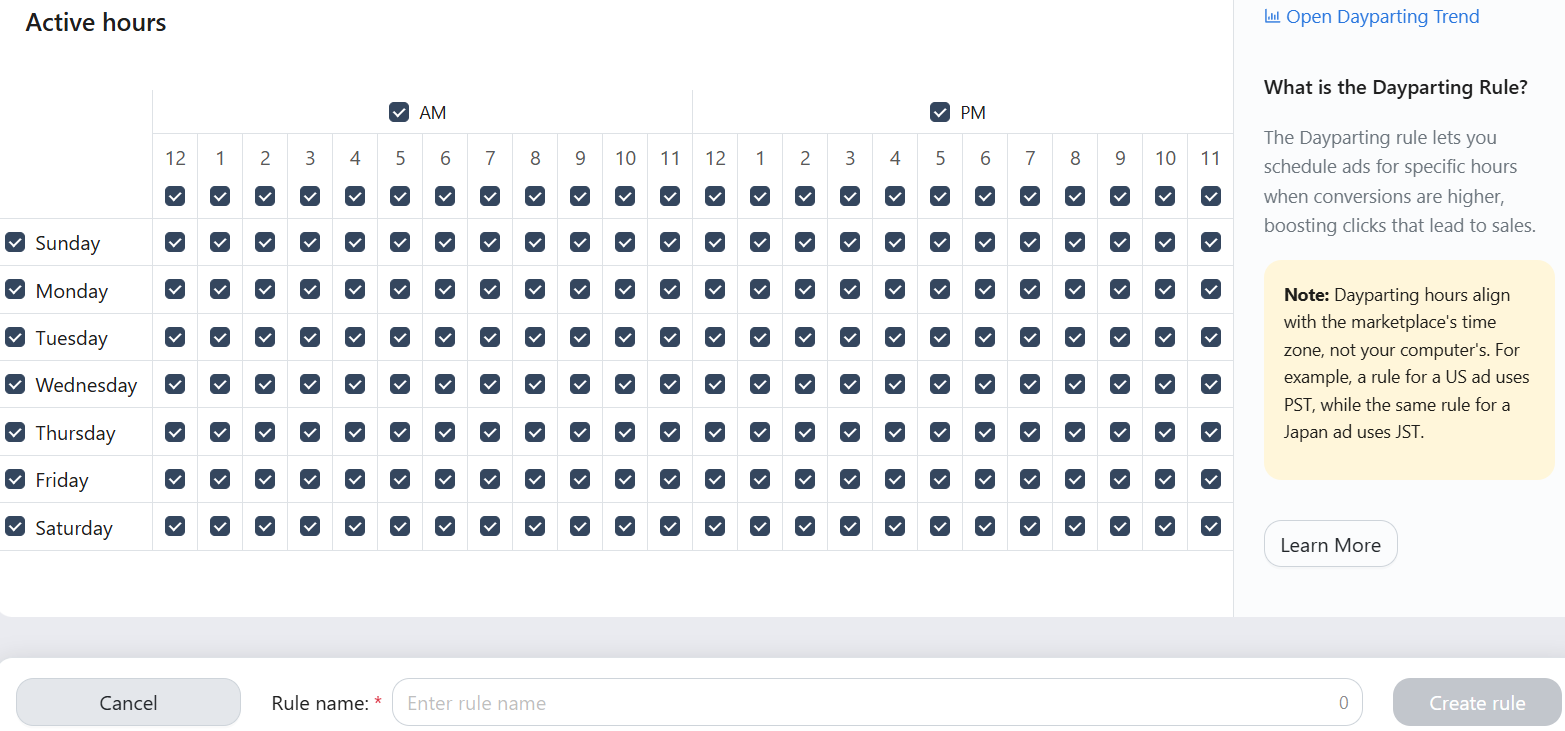
1. Dayparting Rule: Updated the Create and Edit Rule Page
We redesigned the Dayparting rule's Create and Edit Rule page with a cleaner and more intuitive layout that aligns with recent interface updates.
The new design makes it easier to set up and edit rules, improving the overall experience of managing scheduled ad activities.
Navigation path: Automation > Dayparting Rule
2. Restored Column Filter Behavior
We have restored the previous column filter behavior for Ads Insights and Automation pages.
This change brings back the familiar filtering experience while we continue improving performance for larger accounts.
.png)
Bug Fixes
1. Negative Word Rule: Fixed incorrect Sponsored Brands rule execution logs
- We fixed an issue where Sponsored Brands Negative Word Rule executions were incorrectly logged.
- These executions will now be properly recorded as Negative Word Rule changes for more accurate rule tracking.
2. Daily Budget Rule: Fixed the incorrect budget cap
- We fixed an issue where budgets reverted to the baseline amount instead of the minimum budget cap when conditions were not met.
- Budgets will now properly follow the assigned minimum budget cap.